Steam Deck Tips for Capy Castaway
Handheld coziness for Castaway Island evenings.
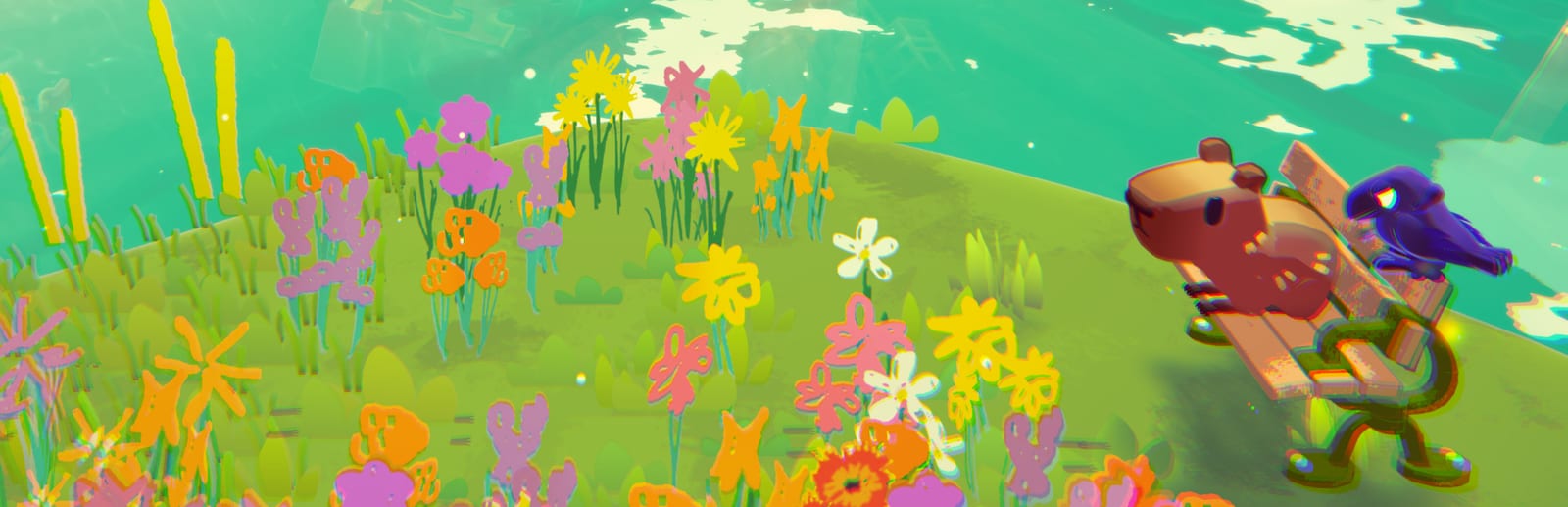
Capy Castaway’s modest system requirements and cozy pacing make Steam Deck a natural home for Kitten Cup Studio’s August 6, 2026 Steam launch. Big Blue Sky markets the adventure alongside desktop PC play, and official materials repeatedly mention Deck compatibility. These tips help you host comfortable handheld sessions, docked TV co-op, and Remote Play nights without frying battery, thumbs, or guest patience.
Deck play splits into three common modes: solo tourism with character switching, docked couch co-op with two controllers, and Remote Play hosting when no desktop is available. Each mode wants different TDP, networking, and control tweaks.
Performance expectations
Minimum PC specs are modest—roughly a dual-core class CPU, 4 GB RAM, OpenGL 2.0 era GPU notes, and about 2 GB storage on Windows listings. On Deck, start with default or community “simple” profiles: 40–60 FPS caps, medium crowd density if a toggle exists, and TDP limits that keep fans quiet during dialogue-heavy scenes.
Visual flair matters less than readable subtitles and stable framerate when Corvi carries Capy across gaps—micro stutter causes missed landings in co-op. Check the live Steam store Deck verification badge after launch; verification status can change with patches noted in Updates.
Handheld control tweaks
Use official or community Steam Input layouts once players publish them post-launch. Map back-grip paddles to character switch and fetch for solo Sniff → Dig → Fetch loops. Slightly increase in-game UI scale if subtitles feel tiny on the seven-inch panel.
Enable SteamOS magnifier or accessibility zoom for long Corvi dialogue scenes read on a commute. Mild gyro can help line up fetches, but start with gyro low—cozy adventures punish over-active motion on a rattling train.
Cross-read Controller for philosophy that applies once you dock or add external pads.
Solo switching on handheld
Solo Deck players juggle Capy ground verbs and Corvi air verbs more often than couch duos. Bind switch and fetch on paddles you can hit without moving thumbs off movement sticks. Practice one combo from Duo Combos in Swallow Town before tackling timed deliveries.
When thumbs fatigue, prefer shorter sessions with the Collectibles Checklist over marathon story pushes—Deck excels at twenty-minute hat hunts.
Suspend-resume etiquette
Deck sleep is perfect between soup steps or sniff circles, but cloud-sync conflicts appear if you also play the same save on desktop the same night. Pick one active machine per evening or force Steam Cloud sync before swapping hardware.
After resume, re-check that co-op controllers still register if you paused mid-carry. Corvi drop physics do not care that your Deck woke up confused.
Docked co-op on TV
Dock to a television, connect two Bluetooth controllers, and follow Co-op & Remote Play plus the Co-op Setup Checklist. Keep the Deck plugged in—HDMI plus wireless pads raises heat and power draw quickly.
Sit guests closer if subtitles carry story-critical hints. Capy’s silent protagonist structure means Corvi lines do heavy lifting; muddy TV audio hurts more here than in action games.
Assign roles intentionally: ground explorer on Capy, scout on Corvi, swap hourly if kids want turns. See Characters Hub for verb cheat sheets.
Remote Play host from Deck
Hosting Remote Play Together from Deck works on strong 5 GHz Wi-Fi, but desktop hosts usually stream more stably. If Deck must host—dorm rooms, travel bags—close downloads, lower stream resolution in Steam Remote Play settings, and tell guests to favor verbal fetch callouts over frame-perfect inputs.
Plug into power; streaming while battery discharging throttles performance and invites disconnects mid-Help Castaways beat.
Battery-friendly session targets
Lock 40 FPS when you want longer bus rides. Raise TDP only for docked play or when you truly notice fetch timing suffering. Cozy pacing does not demand benchmark chasing; it demands consistent readability.
Brightness and Wi-Fi radios dominate battery as much as GPU load—airplane-mode solo sessions last longer than online Remote Play hosts.
Session ideas by time budget
- Twenty minutes: hat hunts with Collectibles Checklist rows in demo spaces.
- Forty minutes: one Swallow Town quest chain such as Soup Competition.
- Hour relaxed: tourism using Exploration Tips without completion pressure.
- Co-op evening: docked, two pads, Endings Tracker open for shared choices.
Storage and install hygiene
Roughly two gigabytes baseline storage on Windows notes suggests Deck installs stay travel-friendly. Keep microSD installs verified occasionally—corrupted SD reads manifest as long loads before crashes, easy to blame on the game instead of the card.
Related hardware reading
Compare laptop and desktop expectations in System Requirements and buying intent in Wishlist Guide. Keyboard players on desktop should still skim Keyboard & Mouse when hybrid co-op pairs one Deck guest with one PC host.
On Steam Deck, Capy Castaway should feel like a storybook you can pause in a backpack—tune for comfort and shared-screen kindness, not leaderboard screenshots.
Frequently Asked Questions
Quick answers to the most common questions.
Is Capy Castaway Steam Deck Verified?
Check the live Steam Deck section on the store page for the current verification badge—status can update with Kitten Cup Studio patches after August 6, 2026.
What battery settings work best?
Cap FPS around 40, limit TDP for handheld tourism, and plug in for docked co-op or Remote Play hosting.
Can Deck do local co-op?
Yes when docked with two Bluetooth controllers. Handheld solo switching is the other common Deck pattern.
Where are general control guides?
Start at [Controls Hub](/controls/) and [Controller](/controls/controller/) for layout habits that transfer to docked play.
Cloud save tips across Deck and PC?
Use one active device per night or force Steam Cloud sync before swapping hardware to avoid conflicting story saves.
Is Deck good for Remote Play guests?
Guests can join streams fine. Hosting from Deck works but desktop upload stability is usually better for the person running the game.